Invoices
View, filter, and export invoices for your TigerGraph Savanna organization from the Billing section. Each invoice reflects charges for a specific billing period and includes a status that shows where it is in the payment lifecycle.
View your invoices
-
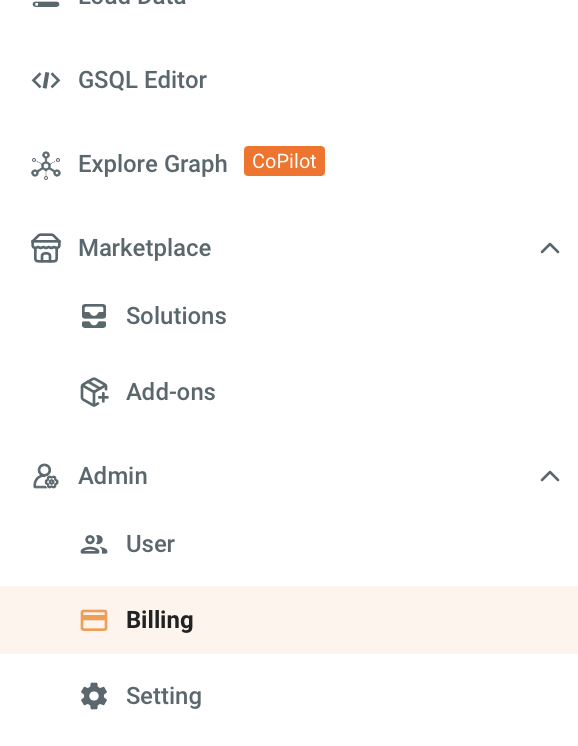
Navigate to the Billing tab in the left navigation.
-
Select the Invoices tab to open the invoices list.
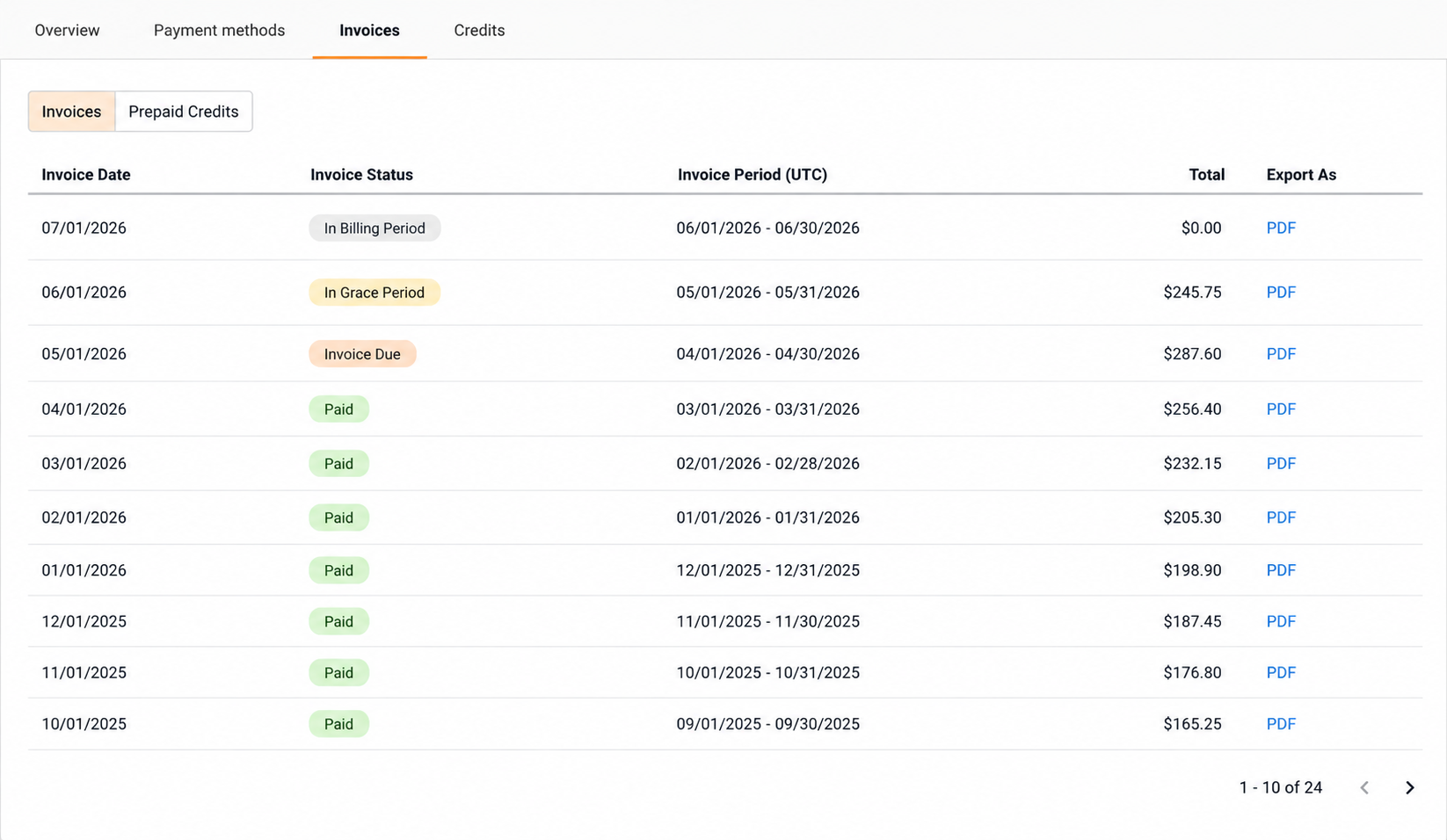
Each invoice row shows the following fields:
| Field | Description |
|---|---|
Invoice Date |
Date the invoice was issued. |
Invoice Status |
Current stage of the invoice in the billing lifecycle. See Invoice statuses. |
Invoice Period |
Billing period covered by the invoice. |
Total |
Total charge for the invoiced period. |
Export an invoice
-
In the invoices list, locate the invoice you want to export.
-
Under Export As, select PDF.
The invoice downloads as a .pdf file.
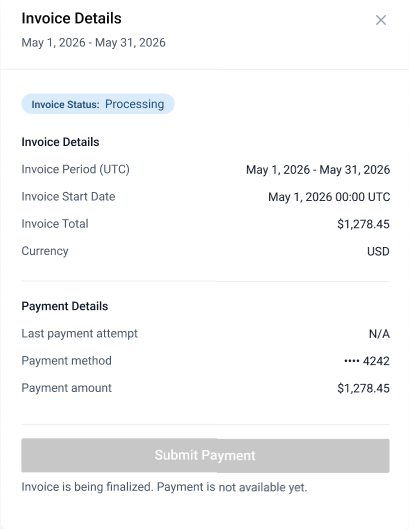
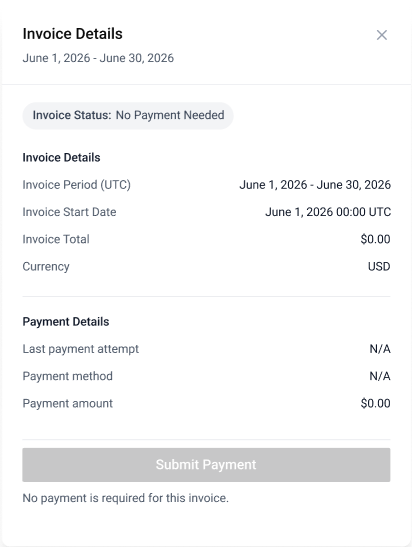
Invoice statuses
Each status indicates where an invoice is in the billing lifecycle.
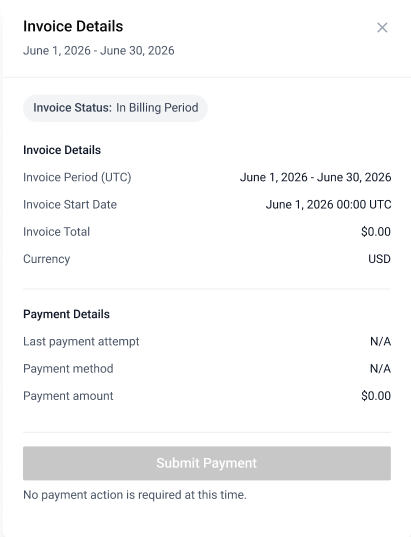
In Billing Period
The billing period is ongoing. Charges are still accumulating and the final amount is not yet set.
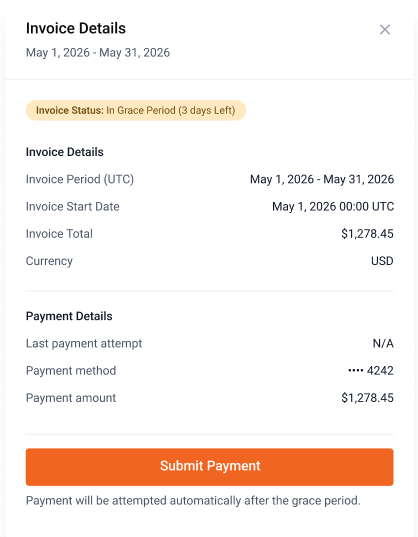
In Grace Period
The billing period has ended. The system will automatically attempt payment once the grace period expires.
Next steps
-
Billing overview — explore other billing topics such as payment methods and usage.
-
Resources — find additional reference material.